
How to Change Your Password
Every 90 days, your password will expire and you will be required to change it to a new one.
When this happens, you will receive a pop up in the bottom right corner to inform you that you have a number of days to change it.

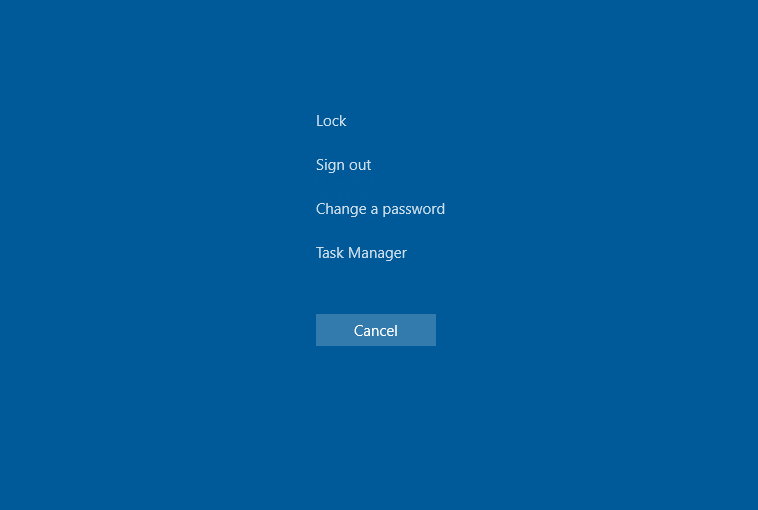
Press “CTRL+ALT+DELETE” on your keyboard and then click “Change Password”
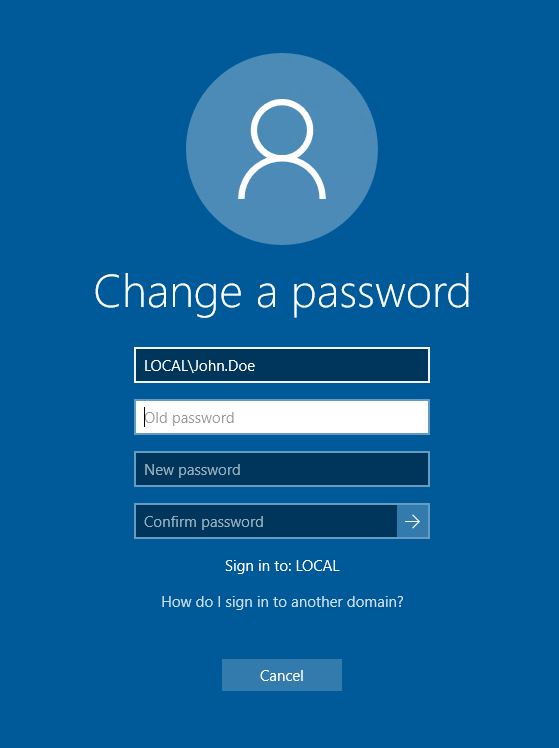
Confirm your current password, then your new password twice and hit “return” or click the arrow.
If done correctly you will get this confirmation
