
How to Add a Printer
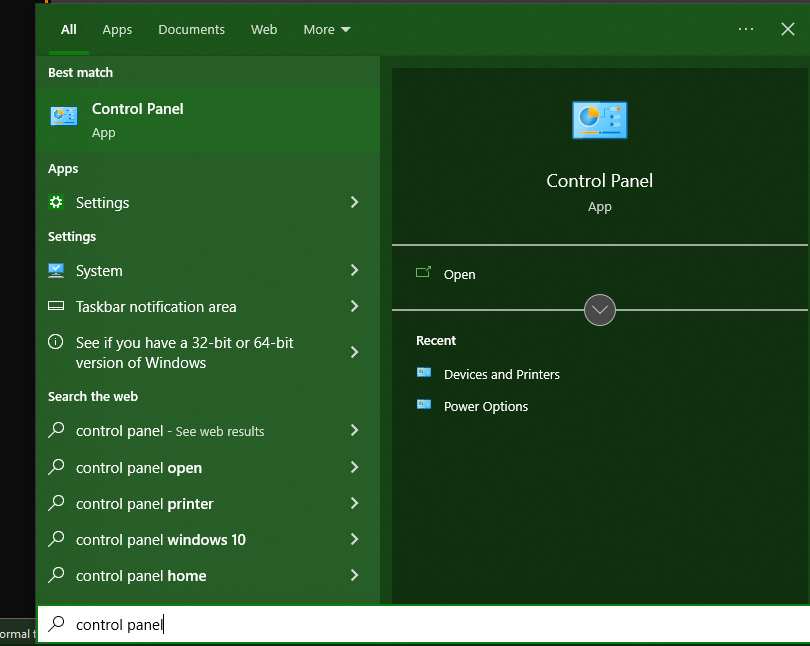
Click the Start Menu in your bottom left corner and type “control panel” and open it.
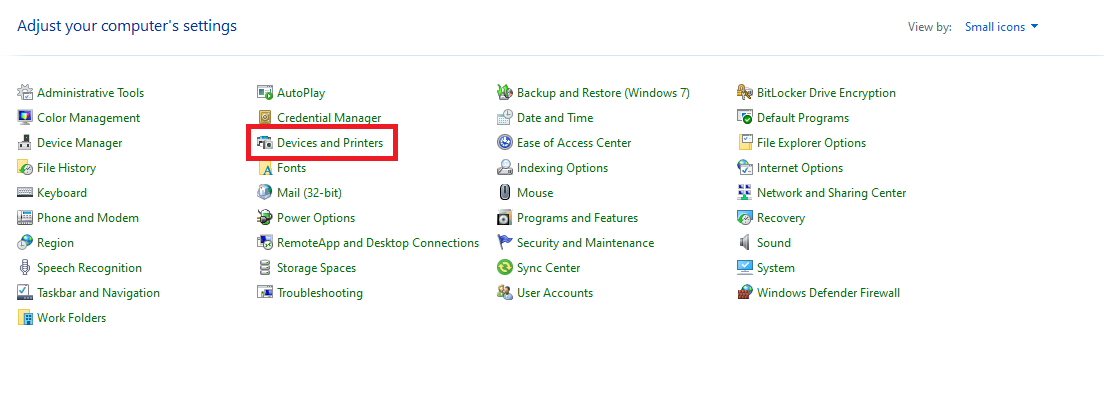
You may get two different screens here. I’ve highlighted the options you need below.
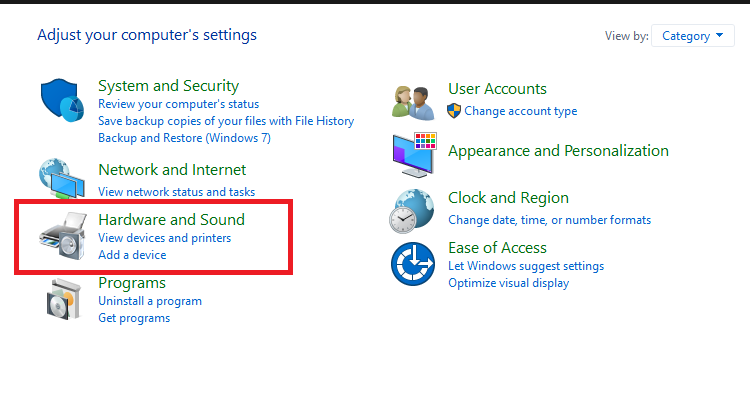
Or
Once you click either of these options you’ll find the below screen and the printers you already have access to.
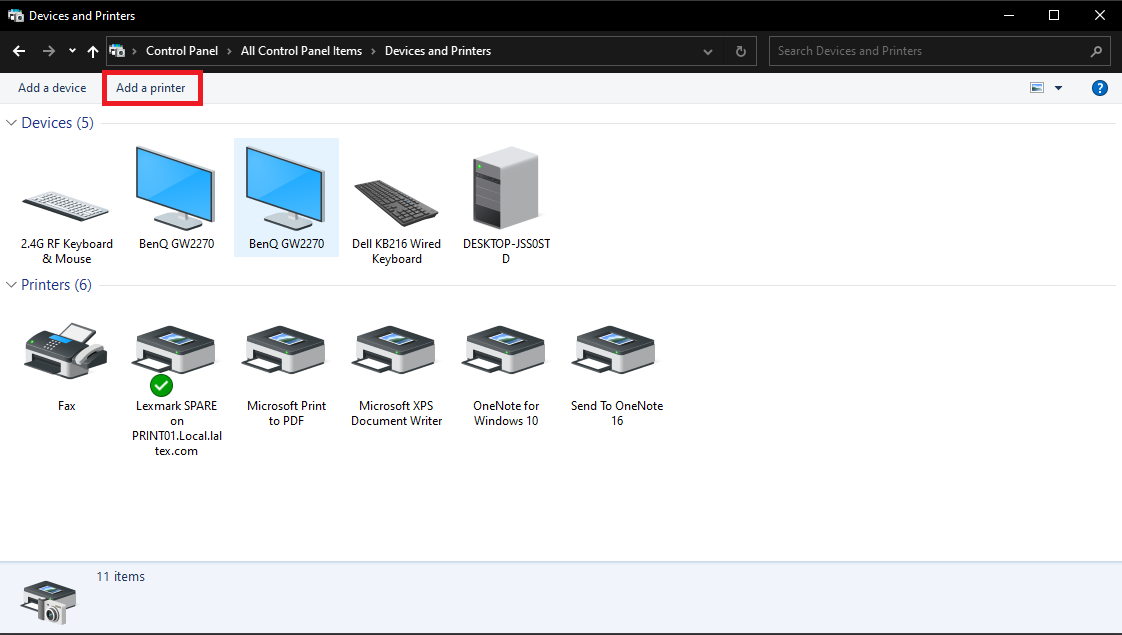
Click “add printer”
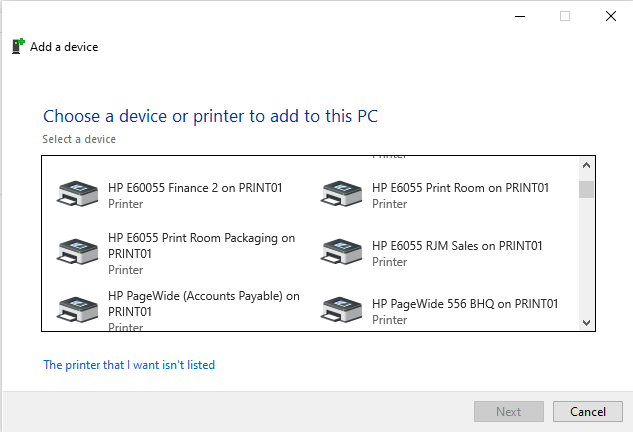
You should get a long list of printers you can add, make sure you’re adding the correct one (check the name with a colleague, or IT) and double click it.
You’ll get the below screen if adding was successful
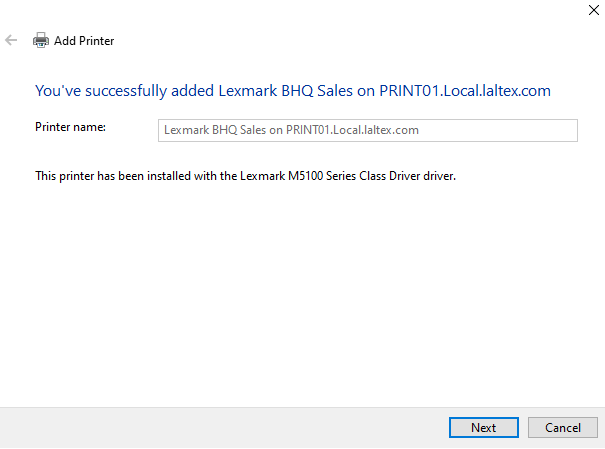
Click “next” and then you can choose to make the printer your default printer, or print a test page to make sure everything is working, then click “Finish”.